Ai
Make portrait aging a clear, controllable creative workflow.
- Discipline
- Generative AI · Portrait tooling · Privacy UX
- Platform
- Web
- Role
- Product, workflow, interface and development
- Status
- Live / Evolving
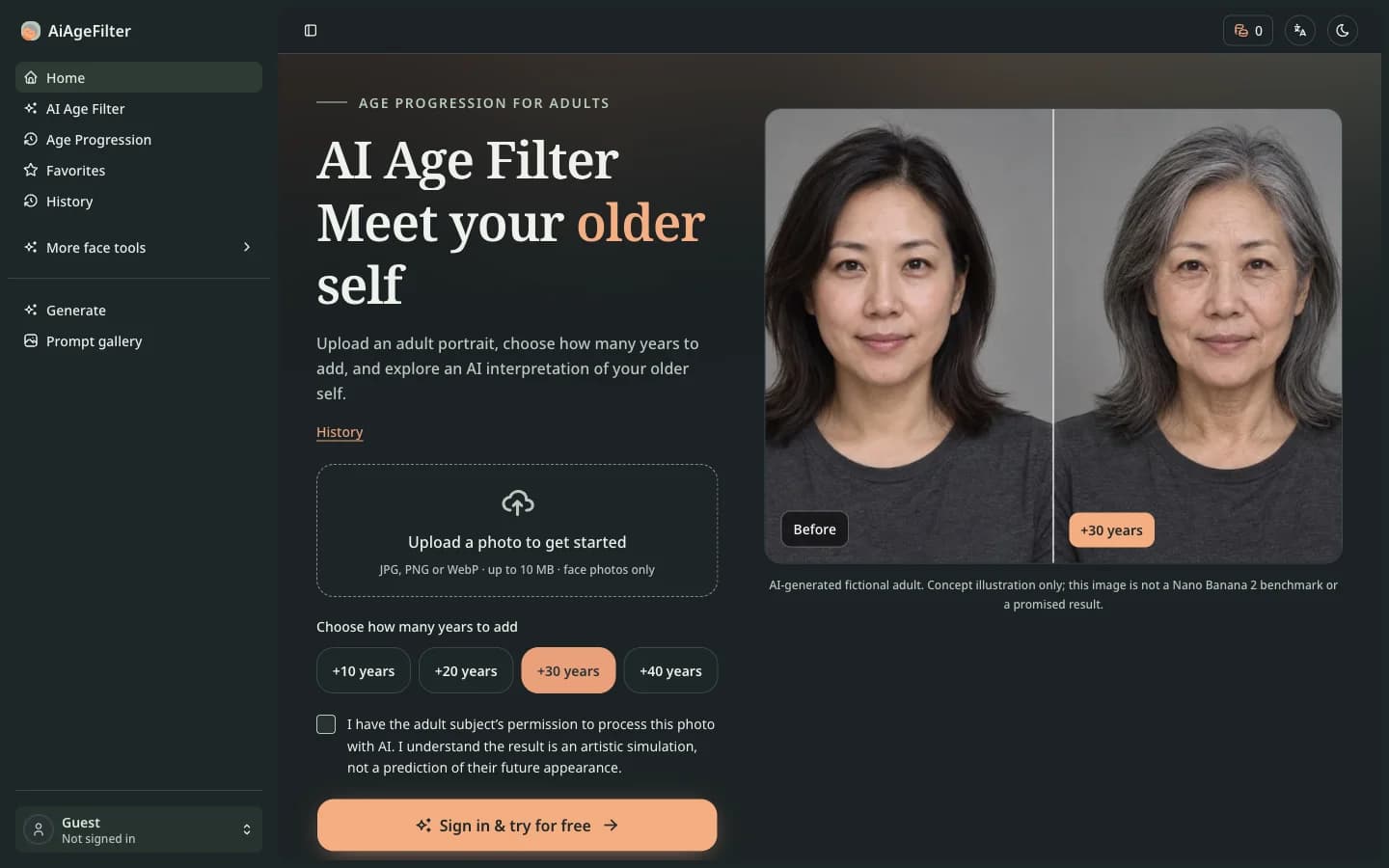
AiAgeFilter brings photo upload, age increments, processing consent, before-and-after comparison, and download into one browser workflow. Its age filter adds the appearance of 10, 20, 30, or 40 years, with additional entry points for hairstyle, beard, smile, and other portrait effects. The result is a creative simulation for exploring a different look.
Visit live productBehind the surface problem there is usually a harder systems problem.
Portrait effects need to explain what the model may change while making photo consent, access permissions, and retention clear before generation.
What I chose — and what I chose not to do.
- 01
Organize age choices by the number of additional years so each setting has a clear meaning.
- 02
Preview the selected photo locally and upload it only after consent and submission.
- 03
Explain the AI simulation and photo retention rules alongside comparison, download, and history.
A product is a network of decisions.
No unverified growth numbers — only product capabilities that actually exist.
- Adult portrait aging with before-and-after comparison and result download.
- Entry points and examples for hairstyle, beard, smile, and other portrait effects.
- Account-private access and limited retention for uploaded photos and generated results.
Portrait AI depends on more than the generated image. Users also need to understand when their photo is uploaded, who can access it, and what the result represents.