04Figma Plugin
Clone
Save what a page looks like — and keep it designable.
- Discipline
- AI workflow · Web · Figma
- Platform
- Chrome · Figma
- Role
- Product, workflow, interface and development
- Status
- Live · Distribution evolving
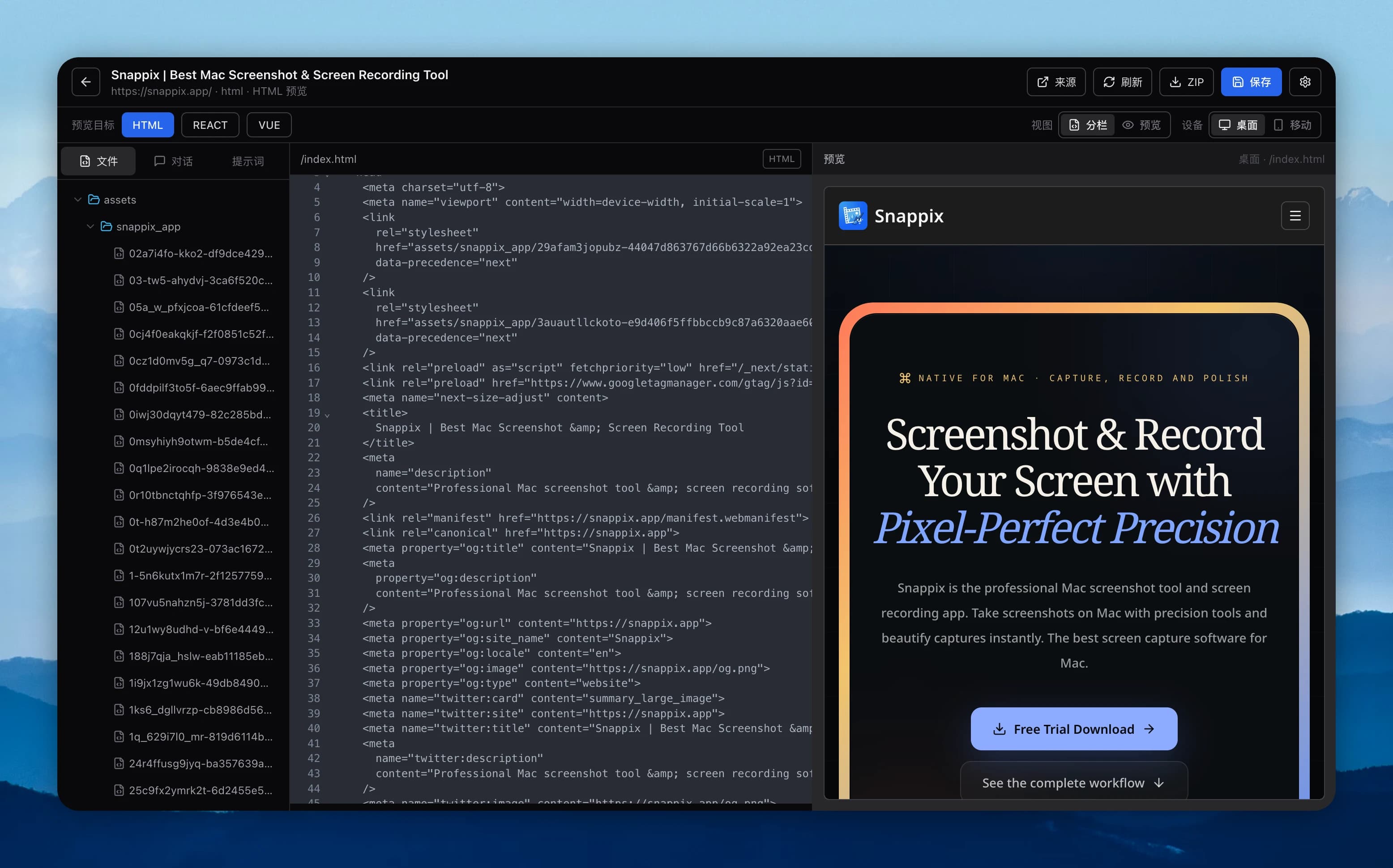
CloneWebsite centers on a local browser extension that captures HTML, computed styles, images, and fonts into an offline project, then continues into code or Figma through a local Workbench, ZIP, and `.cdesign`.
Visit live productThe hard part
Behind the surface problem there is usually a harder systems problem.
Copying the DOM is easy. The hard part is keeping layout relationships, fonts, assets, and editable semantics — without uploading captured pages to a server.
Key decisions / 03
What I chose — and what I chose not to do.
- 01
Keep capture, projects, and light editing local to the browser.
- 02
Map pages into editable Figma layers and components via `.cdesign`.
- 03
AI is BYOK; the browser never sends page content to platform services by default.
Design capabilities
A product is a network of decisions.
Workflow designFigma toolingLocal-first UXAI integration
What exists now
No unverified growth numbers — only product capabilities that actually exist.
- Full-page and component capture, offline ZIP, and local projects.
- Workbench preview and editing.
- Import local archives into Figma as editable layers.
"Looks the same" and "still designable" are two completely different product goals — the latter requires rebuilding the relationships behind the page.