App
Turn the last mile of every release into one coherent design workflow.
- Discipline
- Product · Visual system · AI workflow
- Platform
- Web · Browser extension
- Role
- Product, interface, visual direction and development
- Status
- Live / Evolving
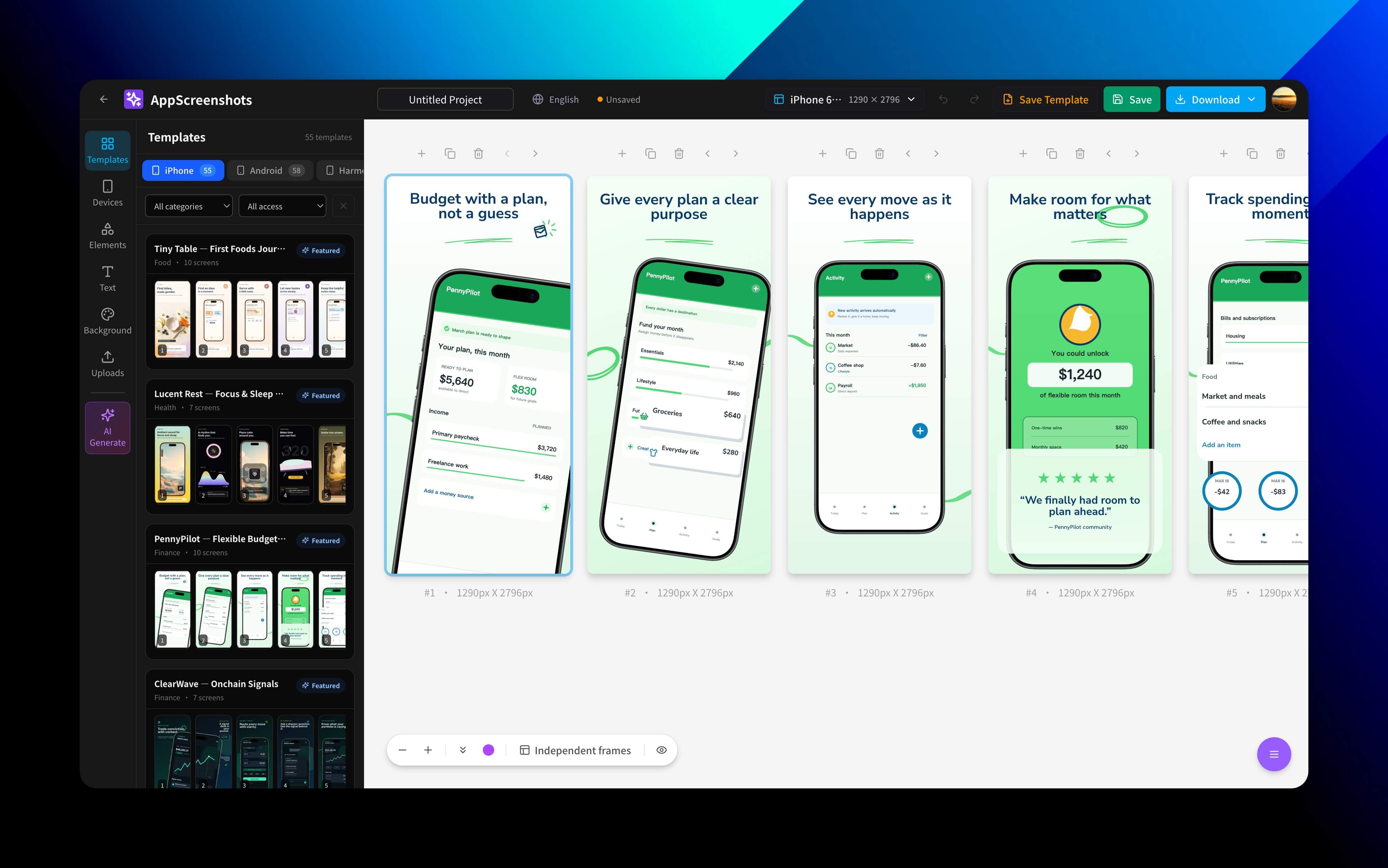
AppScreenshots is for indie developers and small teams. It brings device frames, store sizes, multilingual content, and batch export into a single browser workflow. The point is not one more AI button — it is making every generate, overwrite, and publish step have clear boundaries.
Visit live productBehind the surface problem there is usually a harder systems problem.
Store assets touch visual consistency, device specs, localization, and irreversible publish operations all at once. The stronger the automation, the higher the risk of silently overwriting existing content.
What I chose — and what I chose not to do.
- 01
Keep AI output in a draft layer, with a clear line between generating, applying, and publishing.
- 02
Never overwrite existing text by default — only when the user explicitly opts in.
- 03
Carry multiple sizes and languages on one continuous canvas instead of duplicated design files.
A product is a network of decisions.
No unverified growth numbers — only product capabilities that actually exist.
- Covers the App Store, Google Play, Huawei AppGallery, and Chrome Web Store.
- Supports multilingual design, device frames, batch translation, and ZIP export.
- Brings store copy and visual assets into the same release workflow.
AI can remove repetitive work, but for store publishing the real experience comes from previewability, reversibility, and clear lines of responsibility.