Shopify Liquid Dev
Keep Shopify storefront context and theme source in one debugging loop.
- Discipline
- Developer tooling · Shopify · Diagnostics
- Platform
- Chrome
- Role
- Product, workflow, interface and development
- Status
- Live · Chrome
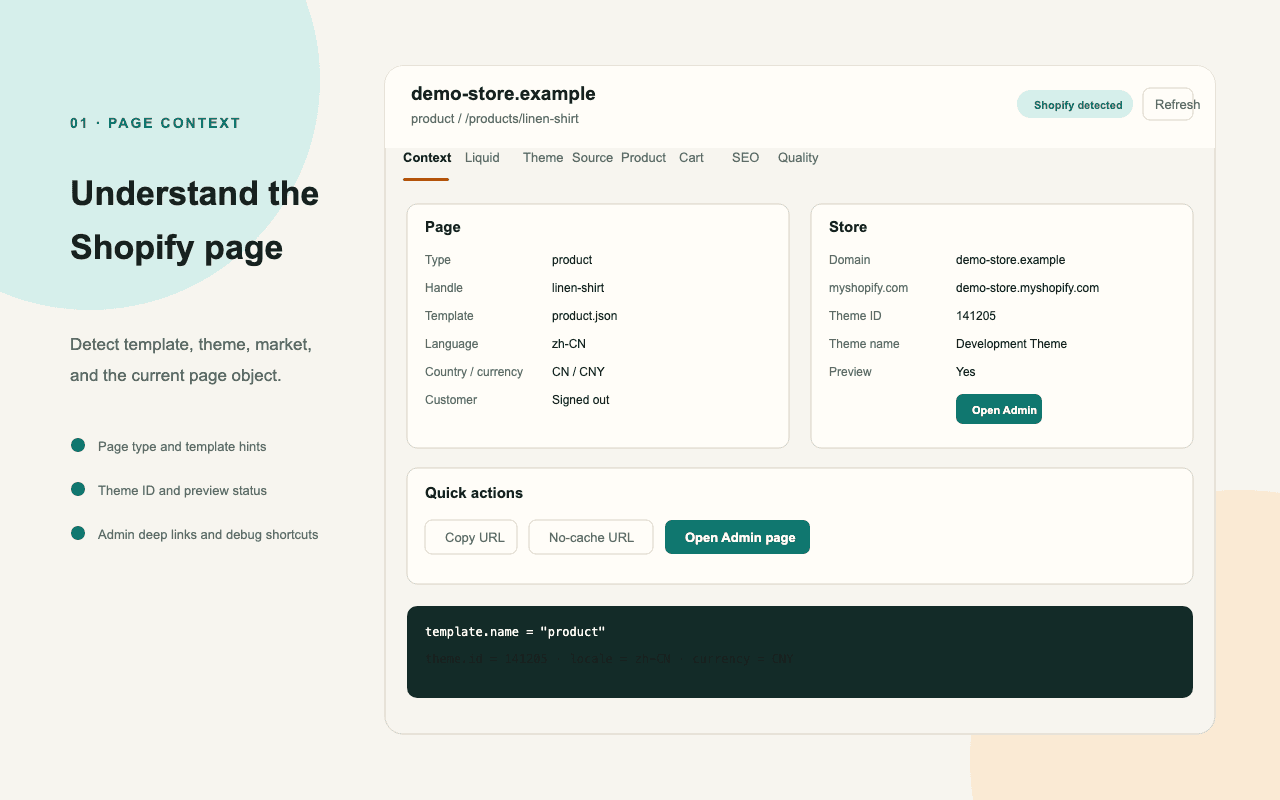
Shopify Liquid DevTools gathers storefront context, theme structure, commerce state, quality signals, and runtime events in one extension. An optional localhost companion maps rendered sections back to theme files, diagnoses schemas, and runs Shopify CLI Theme Check.
Visit live productBehind the surface problem there is usually a harder systems problem.
The rendered storefront, Shopify runtime objects, Admin and Storefront APIs, and local Liquid files live in separate environments. Debugging becomes slow when their identities and permissions cannot be traced across those boundaries.
What I chose — and what I chose not to do.
- 01
Organize page context, sections, products, cart, SEO, quality, and runtime signals as one storefront-centered workspace.
- 02
Use an optional token-protected companion bound to localhost for source mapping, schema diagnostics, editor links, and Theme Check.
- 03
Store optional API credentials locally and send requests only to the selected Shopify endpoint after an explicit user action.
A product is a network of decisions.
No unverified growth numbers — only product capabilities that actually exist.
- Published on the Chrome Web Store in English and Simplified Chinese.
- Inspects Liquid-facing context, theme sections, product and Ajax Cart state, SEO, accessibility, and performance.
- Adds local source mapping, Theme Check, GraphQL debugging, snippet generation, and Markdown QA reports.
The most useful developer tool does not add another isolated console; it reconnects browser evidence to the source and system that produced it.