03Desktop
Snappix
Keep capture, retouching, and sharing inside one native workspace.
- Discipline
- Native product · Interaction · Visual tooling
- Platform
- macOS
- Role
- Product, interface, visual direction and native development
- Status
- Live · macOS
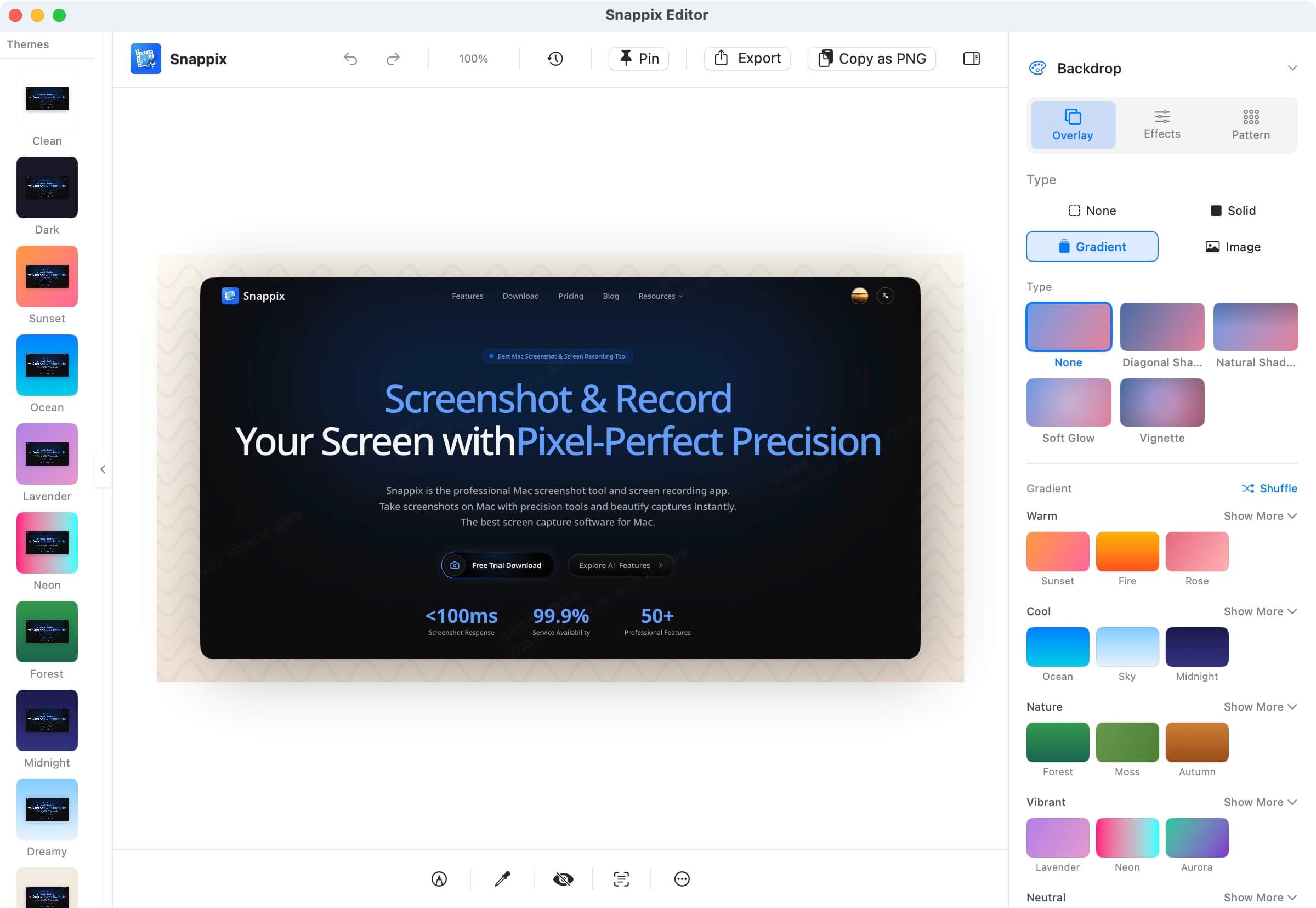
Snappix combines region, window, and scrolling capture with annotation, OCR, privacy handling, backgrounds, and export into one native macOS experience. The interaction emphasizes speed, pointer precision, and continuity between edits.
Visit live productThe hard part
Behind the surface problem there is usually a harder systems problem.
A native capture app juggles system permissions, multi-display coordinates, editor state, and high-resolution rendering. Any discontinuity makes the tool feel clumsy.
Key decisions / 03
What I chose — and what I chose not to do.
- 01
Combine SwiftUI and AppKit to keep system-level window and pointer behavior.
- 02
Save screenshot styles as reusable themes instead of one-off effect panels.
- 03
Group precision tools apart from beautification tools to reduce the clash between pro control and quick actions.
Design capabilities
A product is a network of decisions.
Native UIMotion behaviorVisual toolsmacOS
What exists now
No unverified growth numbers — only product capabilities that actually exist.
- Region, window, and scrolling capture.
- Annotation, OCR, pin-to-top, background polish, and multi-format export.
- Native support for Apple Silicon and Intel Macs.
Feeling native is not a visual skin — it is behavior emerging from permissions, windows, pointer, speed, and rendering together.