Trove
Make the whole browser feel one shortcut away.
- Discipline
- Browser productivity · Search · Local-first
- Platform
- Chrome
- Role
- Product, information architecture, interface and development
- Status
- Live · Chrome
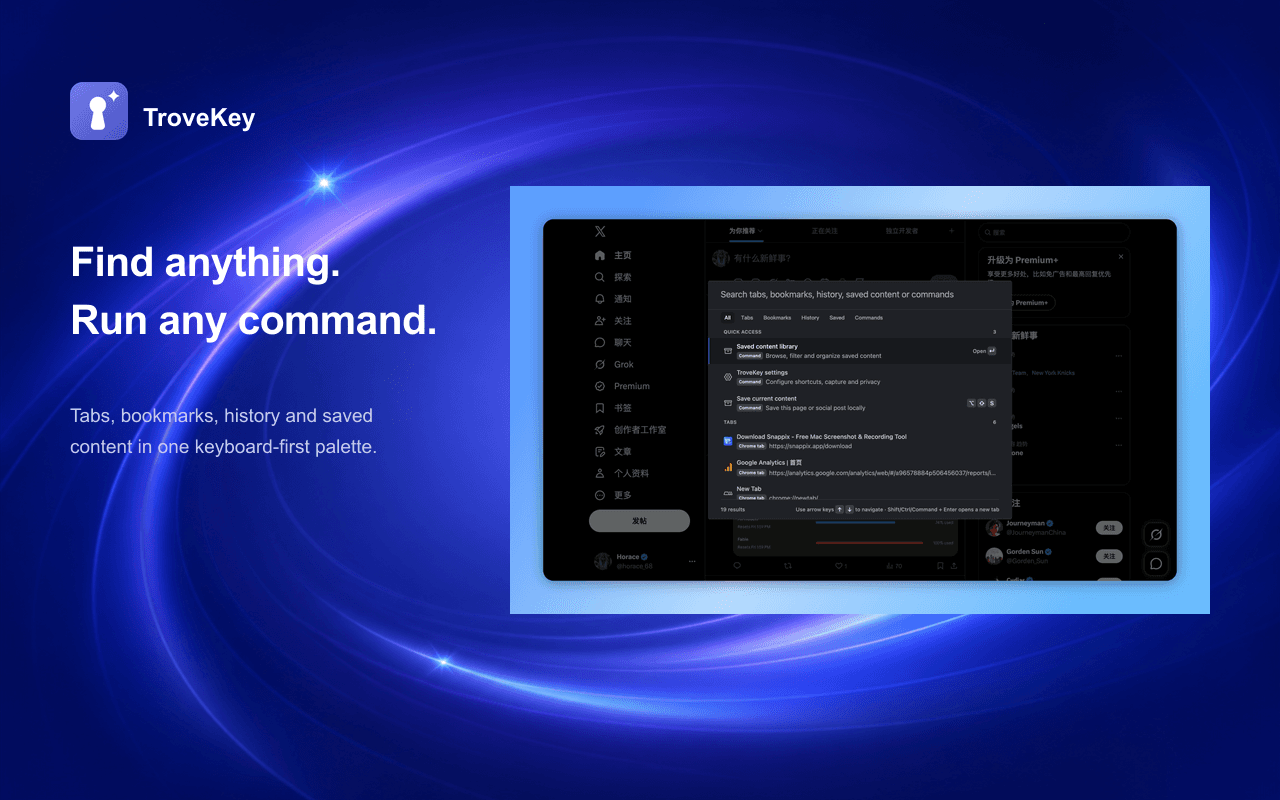
TroveKey brings tab switching, bookmark and history search, browser commands, and a searchable library of saved webpages and social posts into one Chrome palette. It works without an account, cloud sync, or AI in the save-and-search path.
Visit live productBehind the surface problem there is usually a harder systems problem.
Tabs, bookmarks, history, commands, and captured content all have different data shapes and permission boundaries. Combining them only helps when ranking stays fast and potentially destructive actions remain explicit.
What I chose — and what I chose not to do.
- 01
Use one keyboard-first palette for both finding browser objects and acting on them.
- 02
Keep saved content in local IndexedDB, with versioned JSON import and export instead of an account or cloud dependency.
- 03
Require confirmation for destructive browser actions and preserve partial captures when a site blocks full access.
A product is a network of decisions.
No unverified growth numbers — only product capabilities that actually exist.
- Published on the Chrome Web Store with no account required.
- Searches tabs, bookmarks, history, saved content, and commands from one interface.
- Captures webpages and supported social posts into a filterable local library.
A command palette becomes valuable when it reduces context switching without hiding the consequence of each command.